

Signing in to the Veeam Backup Enterprise Manager Control Panel
Use the Veeam Backup Enterprise Manager Control Panel to manage your cloud backup infrastructure.
To log in to the Control Panel:
- View the vCloud Director access credentials (see vCloud Director. "Information" section);
- Go to the Information section of the "Veeam Backup Enterprise Manager" Entry Point (see Veeam Backup Enterprise Manager. "Information" section).
- Go to the Veeam Backup Enterprise Manager Panel URL.
- Enter the vCloud Director username and password.
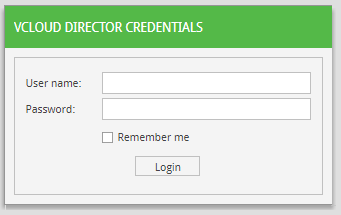
- Click Login. You will be signed in to the Veeam Backup Enterprise Manager Control Panel.