
To activate a discount:
-
Go to Discounts. The list of discounts is displayed (see Viewing the list of discounts).
-
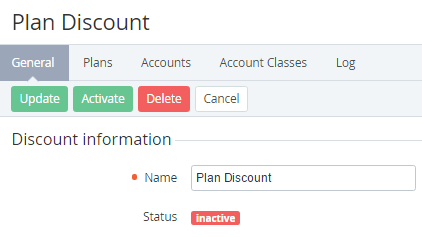
Click the ID or name of the required discount in the Inactive status. The discount details page is displayed (see Viewing and updating discount details).
-
Click Activate. The discount gets the Active status and becomes available for applying.