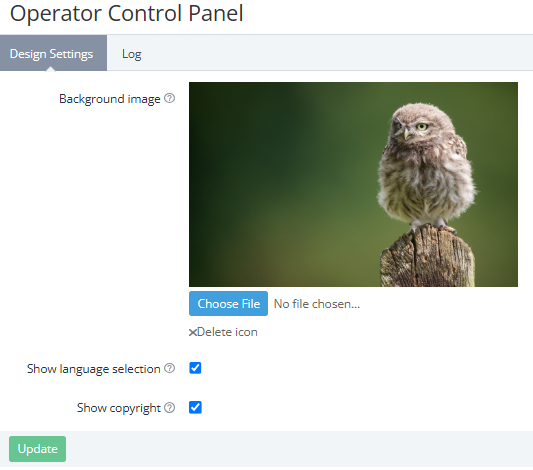
To configure the appearance of the Operator Control Panel:
-
Go to the Operator Control Panel section (see Navigation).
-
On the Design setting tab, specify the necessary options:Background image — the background image for the Sign in and Reset Password pages in the Operator Control Panel. Max file size: 3 Mb. If no file is chosen, the default background is used.Show language selection — if the checkbox is selected, the Sign in and Reset Password pages in the Operator Control Panel allow choosing one of the available languages.Show copyright — if the checkbox is selected, the Sign in and Reset Password pages in the Operator Control Panel include the ActivePlatform copyright info. Example: © Powered by ActivePlatform, 2025
-
Click Update.
See also other settings for the Operator Control Panel:
-
Logos and favicon — Configuring logos.
-
Available languages — Managing language settings.