
To delete a Domain Registrar:
-
Sign in to the Operator Control Panel.
-
On the Navigation Bar go to Domain Registrars (see Navigation). The list of Domain Registrars is displayed (see Viewing the List of Domain Registrars).
-
Click the ID or Name link of the required Registrar. The Domain Registrar's details page displays on the screen.
-
On the Toolbar, click Delete button.
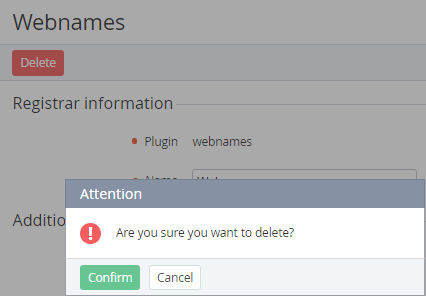
-
Click Confirm in the pop-up window.