
To import the price list in the .XLSX format:
-
Go to Price List (see Navigation). The price list page is displayed (see Viewing the price list).
-
Click Import. The Import plans window is displayed.
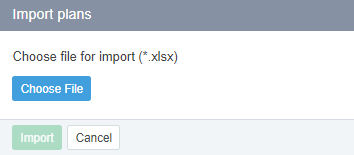
-
Click Choose File and select an XLSX file with the price list.
-
Click Import.
As a result, the following happens to the plans that were changed:
-
On the plan details pages, the prices are changed.
-
The retail prices for periods and resources of plans are recalculated.
-
The margins for periods and resources of plans are recalculated.
-
On the Price List page, the is not set value is set in the Auto Markup column.
-
The retail prices will not be updated any more when the net costs of plans are changed.