For the general description of the procedure, see Buy subscription in the Customer Control Panel guide.
In this article:
Specifics and limitations
-
All Microsoft NCE plans have three periods (1 month, 1 year, 3 years) and one resource — License.
-
For trial subscriptions, the resource quantity is fixed at 25.
-
Only one trial subscription can be ordered within a product.
-
When ordering a new subscription, the platform checks the total number of licenses within all subscriptions of your tenant on the Microsoft side, considering their inclusion in the Microsoft 365 Business line. For details, see Manage Microsoft NCE subscription.
-
If a plan is an add-on for a Microsoft software product, you need a subscription to this product ordered for the same tenant on the Microsoft side to order an add-on. The platform checks this precondition automatically while processing an order.
-
A discount from Microsoft can be available for an account:
-
A discount from Microsoft is automatically applied to a subscription regardless of any available discounts from the reseller. The discount is applied to any orders within the subscription during its period, defined by Microsoft.
-
If a discount from Microsoft is not available due to the exceeded resource quantity only, the maximum available resource quantity is displayed, and you can go back and edit the order. The resource quantity is calculated for a tenant and includes all subscriptions of a customer for the selected product for all Microsoft partners.
-
To order the resource quantity greater than the available for a discount from Microsoft and get the discount within the limit, order two subscriptions:
-
One subscription with the maximum number of available licenses displayed in the message.
-
Another subscription with the rest of the licenses.
-
-
-
Activation of a new subscription on the Microsoft side takes up to 15 minutes.
-
After a subscription is created, the account Owner receives a confirmation email. The confirmation email for a new domain subscription includes the login and password to access the Microsoft admin portal.
-
Microsoft does not provide a grace period for expired Microsoft NCE subscriptions. It means that after the expiration date, if you don’t place a renewal/renewal with switch order, or the auto-renew option is not enabled, an unpaid subscription is deleted and cannot be renewed.
Additional information
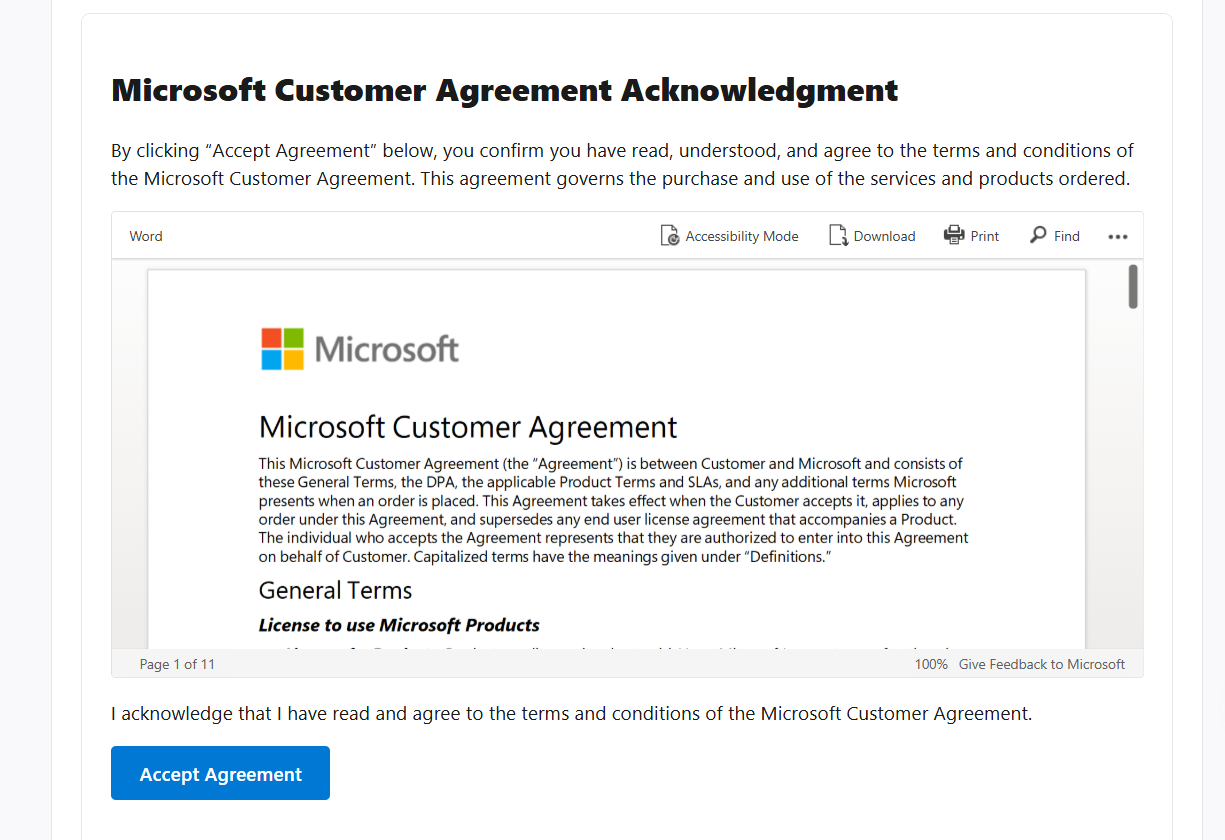
When ordering an NCE subscription, you may also need to review the Microsoft Customer Agreement terms and confirm that you accept them.