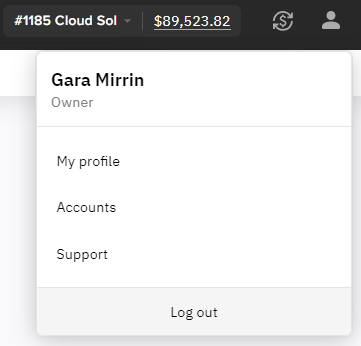
The user menu includes the name of the current user, the access level for the current account, and the following items (see. User menu):
-
My profile — viewing and updating information about the current user and changing the password.
-
Accounts — viewing the list of accounts associated with the current user.
-
Help — viewing technical support and knowledge base information, and sending feedback.
-
Log out — logging out from the Customer Comtrol Panel.
To open the user menu, click