
To attach a plan to a discount:
-
Go to Discounts. The list of discounts is displayed (see Viewing the list of discounts).
-
Click the ID or name of the required discount. The discount details page is displayed (see Viewing and updating discount details).
-
Go to the Plans tab. The list of attached plans is displayed (see Viewing the list of attached plans).
-
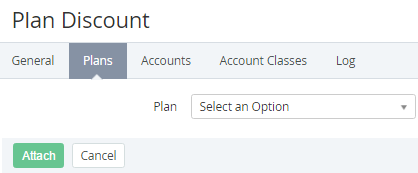
Click Attach. The Plan list is displayed.
-
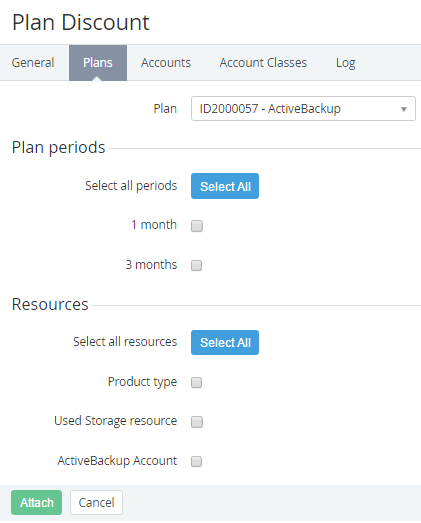
In the Plan list, select the required plan. The Plan periods and Resources groups are displayed.
Reseller discounts are applied to all periods and resources of a plan, so that in this case, after selecting a plan, the Plan periods and Resources groups are not displayed.
-
In the Plan periods group, select the checkboxes of the required periods of the plan to attach them to the discount. To select all periods, click Select All.
-
In the Resources group, select the checkboxes of the required resources of the plan to attach them to the discount. To select all resources, click Select All.
-
Click Attach. The updated list of attached plans is displayed.