
The Customer Store status can be changed to Inactive from the Active and Maintenance statuses.
In the Inactive status:
-
Storefront is not available via the public and service domains.
-
The automatic data synchronization with ActivePlatform is not performed (see Managing synchronization of data).
-
The Go to Customer Store link is not available (see Link to Customer Store).
-
The Customer Store general settings cannot be changed (see Customer Store general settings).
To deactivate Customer Store:
-
Go to Storefront (see Navigation). The General tab of the Customer Store Control Panel is displayed.
-
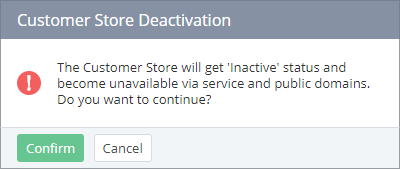
Click Deactivate and confirm the action.
-
Make sure that in the General information group, Status = Inactive.