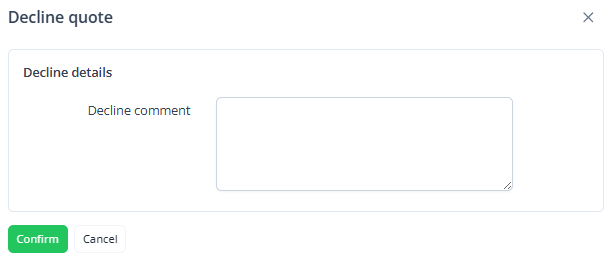
To decline a proposal that was sent to the customer:
-
Go to Quotes (see Navigation). The list of requests for a quote is displayed (see Viewing the list of quotes).
-
Click the ID or name of the required request for a quote in the Waiting for approval status. The quote details page is displayed (see Viewing quote details).
-
On the quote page, click Decline quote.
-
Optionally, in the pop-up window, enter a reason for declining the proposal. This comment is internal and will not be visible to the customer.
-
Click Confirm.
The request will change to the Declined status. No further actions can be taken with this request. After that, the customer can only create a new one (see ).