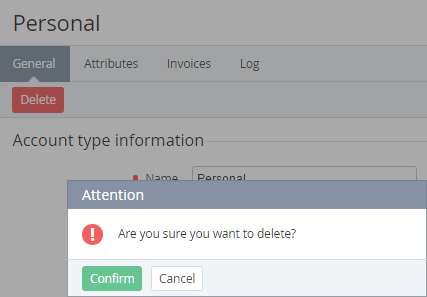
You cannot delete an account type if a reseller has accounts of this type.
If an account type is deleted by the upstream reseller:
-
The corresponding delegated account types are also deleted for the downstream resellers if they do not have accounts of this type.
-
For the downstream resellers that have accounts of this type, the corresponding account type is not deleted, but it gets Delegated = No.
If the default account type is deleted, another account type will be automatically set as the default one.
Deleting an account type can take more than 30 seconds. A separate task is created and queued for this purpose.
To delete an account type:
-
Go to Account Types (see Navigation). The list of account types is displayed (see Viewing the list of account types).
-
Click the ID or name of the required account type. The account type details page is displayed (see Viewing and updating account's details).
-
Click Delete and confirm the action.