
To delete the uploaded logos:
-
Go to Storefront (see Navigation). The General tab of the Customer Store Control Panel is displayed.
-
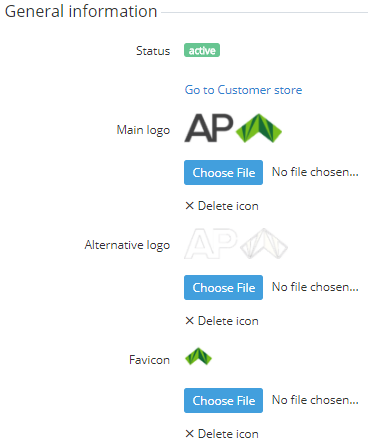
In the General information group, click Delete icon for the main logo, alternative logo, and favicon.
-
Click Save.