
Only the root Reseller can manage Packages
To import a Package:
-
Sign in to the Operator Control Panel.
-
Go to
{base_url}/admin/aps/packages
where{base_url}is the URL of ActivePlatform installation. -
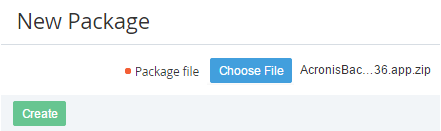
Click the Import button on the Toolbar of the Packages page. The New Package page displays on the screen.
-
Click the Choose File button and select the package file.
-
Click Create. The new Package will be imported.