
To log in to the Customer Control Panel of an account:
-
Go to Accounts (see Navigation). The list of accounts is displayed (see Viewing the list of accounts).
-
Click the ID or name of the required account. The account details page is displayed (see Viewing and updating account's details).
-
On the General tab, in the Account information group, click Login to Customer Control Panel.
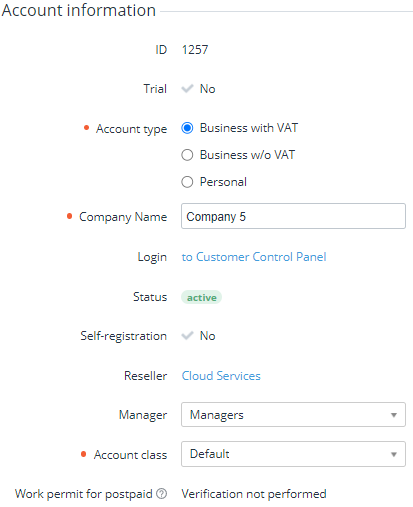
You will be redirected to the selected Customer Control Panel (https://{reseller domain}/client) of the account on behalf of its Owner (see ).