
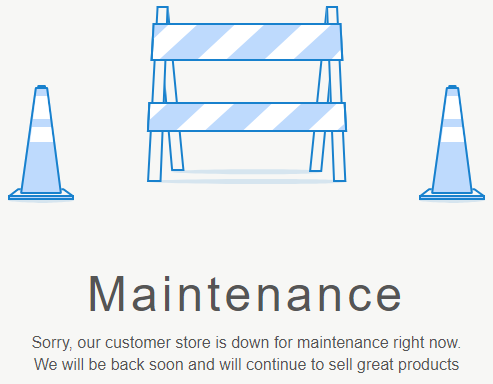
The Maintenance page is displayed when Customer Store has the Maintenance status (see Changing the Customer Store status to Maintenance).
The Maintenance page limitations:
-
It is created automatically during the Customer Store creation.
-
It cannot be deleted, but a manager can completely change its content and meta information (see Editing Page).
-
It cannot be unpublished.
-
The path to the Maintenance page cannot be changed.
The Maintenance page includes the following elements:
-
The header — displayed on every page of Storefront (see Standard elements defined by Layout UI template).
-
The main content has only one section with an image and message.
-
The footer — displayed on every page of Storefront (see Standard elements defined by Layout UI template).