
To publish an information page:
-
Go to Storefront (see Navigation). The General tab of the Customer Store Control Panel is displayed (see Customer Store general settings).
-
Go to the Pages tab. The list of information pages is displayed (see Viewing the information pages list).
-
Click the ID, name, or title of the required page. The information page details page is displayed.
-
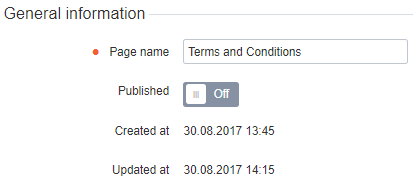
In the General information group, turn On the Published switch.
-
Click Update. The page becomes available in Storefront.