
To sign in to the Operator Control Panel with a Microsoft account:
-
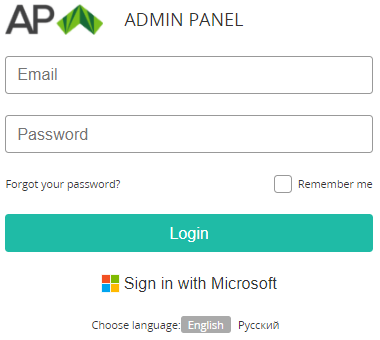
Go to the admin sign-in page of the Operator Control Panel.
-
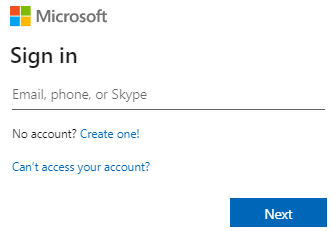
Click Sign in with Microsoft. The Microsoft sign-in page is displayed.
-
On the Microsoft sign-in page:Enter the login.Enter the password.If required, accept all permissions.
-
After successful signing in to Microsoft, the platform checks that the reseller has a manager with an email linked to the used Microsoft account. The main page of the Operator Control Panel is displayed (see Main page).
If a reseller does not have a manager with an email matching the Microsoft account, the platform will attempt to create one automatically. For more information about limitations, see SSO providers for Operator Control Panel.