
To view and update the details of a product received from Vendor Portal:
-
Go to Vendor Integration Settings (see Navigation).
-
Go to the Products tab. The list of products received from Vendor Portal is displayed (see Viewing the list of products received from Vendor Portal).
-
Click the ID or name of the required product. The product details page is displayed.
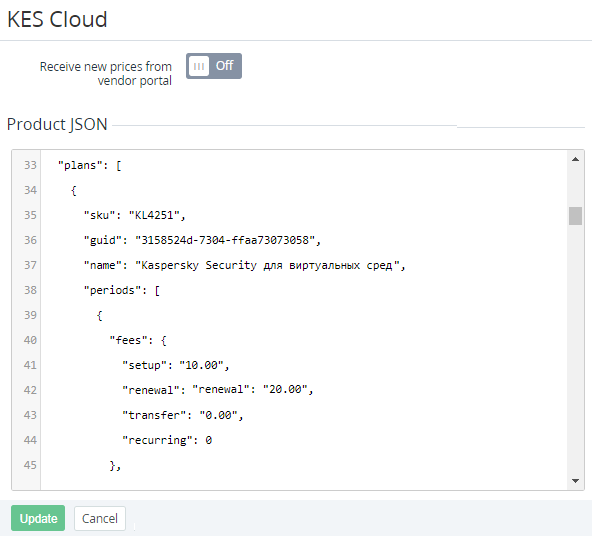
The page includes the following elements:
-
Receive new prices from vendor portal — a switch responsible for updating prices of the product in the platform when the vendor updates the corresponding product in Vendor Portal. By default, the switch is turned Off.
-
Product JSON — the full information about the product provided by the vendor in Vendor Portal. Information is presented in the JSON format.
The product JSON is updated every time when a vendor updates, activates, or deactivates a product in Vendor Portal. As a result, all changes made via the Operator Control Panel are overwritten.
-
-
If it is necessary to update the product details:Update the information available for editing.Click Update.