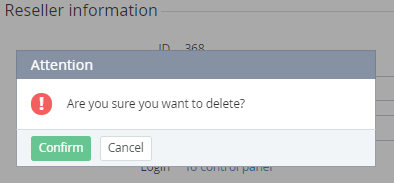
Only administrators with the root level can delete a reseller. It is possible to delete a reseller that does not have any links to other entities in the platform.
To delete a reseller:
-
Go to Resellers (see Navigation). The list of resellers is displayed (see Viewing the list of resellers).
-
Click the ID or name of the required reseller. The General tab of the reseller details page is displayed (see Managing reseller's information).
-
Click Delete and confirm the action.