
To view the list of connectors based on the Vendor Service Plugin (VSP), go to Vendor Integration Settings (see Navigation). The Connectors tab is displayed.
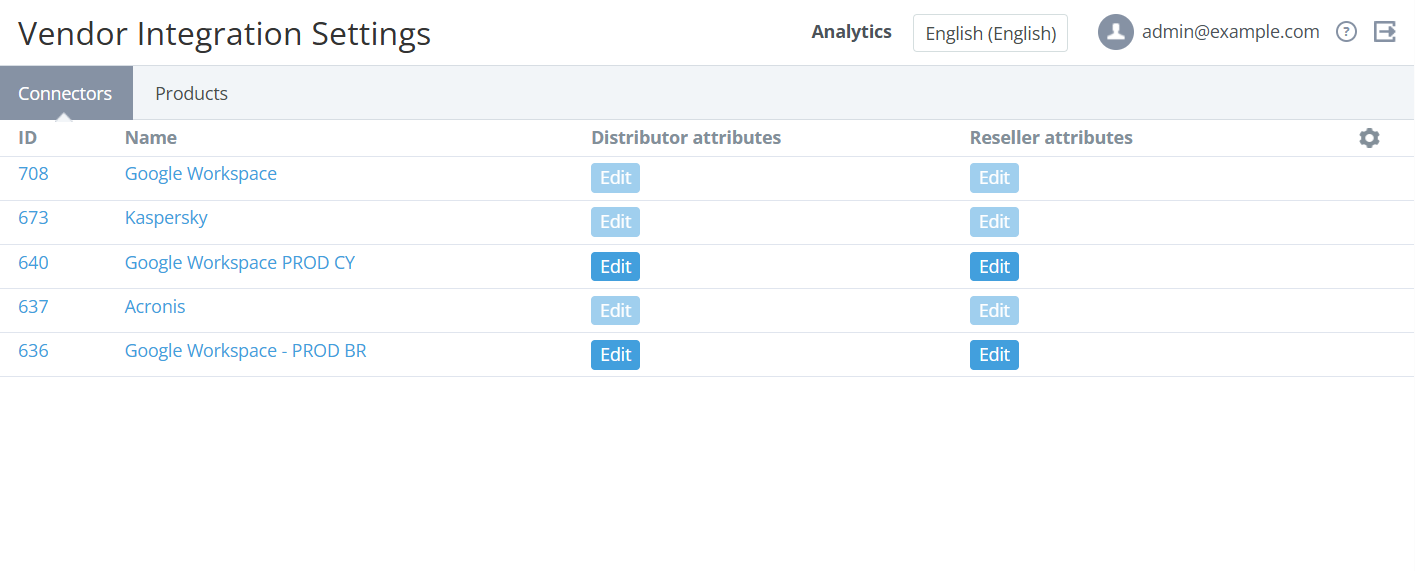
The list includes the following columns:
-
ID — the unique identification number of a connector.
-
Name — the connector name.
-
Distributor attributes — the Edit button to view and edit the distributor attributes if the connector has any (see Viewing and editing the distributor attributes).
-
Reseller attributes — the Edit button to view and edit the reseller attributes if the connector has any (see Viewing and editing the reseller attributes).
The ID and name are displayed as a link to the connector details page (see Viewing and updating connector details) only on the level of the reseller where it was created.