You can delete only an empty product category without any related products (see Viewing the list of products in a product category).
To delete a product category:
-
Go to Product Categories (see Navigation). The list of product categories is displayed (see Viewing the list of product categories).
-
Click the ID or name of the required product category. The product category details page is displayed (see Viewing and updating a product category).
-
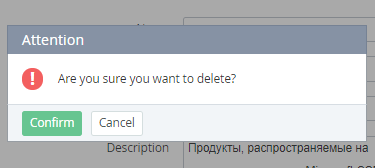
Click Delete and confirm the action.