You can only delete a promo code if it is not used to get a discount before.
To delete a promo code:
-
Go to Discounts. The list of discounts is displayed (see Viewing the list of discounts).
-
Click the ID or name of the required Promo Code discount. The discount details page is displayed (see Viewing and updating discount details).
-
Go to the Promo Codes tab. The list of promo codes of the selected discount is displayed (see Viewing the list of promo codes).
-
Click the ID or name of the required promo code. The promo code details page is displayed.
-
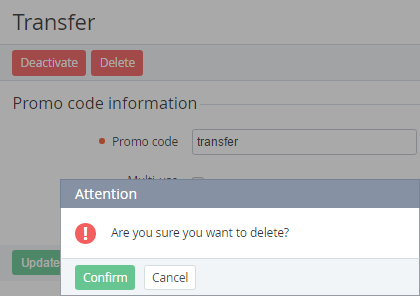
Click Delete and confirm the action.