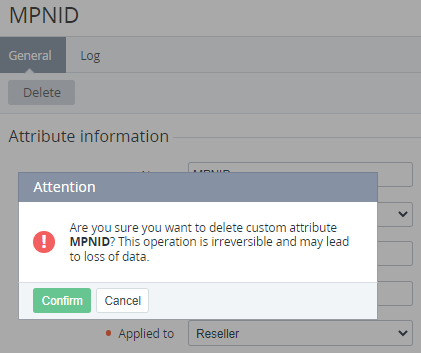
When a custom attribute is deleted, all values specified for entities using this attribute are also permanently deleted.
To delete a custom attribute:
-
Go to Attributes (see Navigation). The list of custom attributes is displayed (see Viewing the list of attributes).
-
Click the ID or name of the required custom attribute. The custom attribute details page is displayed (see Viewing and updating attribute's details).
-
Click Delete and confirm the action.