
To export the list of plans to an MS Excel file:
-
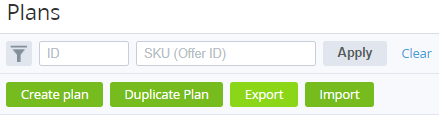
Go to Plans (see Navigation). The list of plans is displayed (see Viewing the list of plans).
-
To export only required plans rather than all plans, use the filters and search.
-
Click Export. The file will be downloaded.
The file structure:
-
Product category
-
Product
-
Plan Name
-
Period/Resource name
-
Setup fee
-
Recurring fee
-
Renewal fee
-
Transfer fee
-
Overuse fee