
To import the list of plans from an exported (see Exporting plans) and edited (see Editing parameters of plans) MS Excel file:
-
Go to Plans (see Navigation). The list of plans is displayed (see Viewing the list of plans).
-
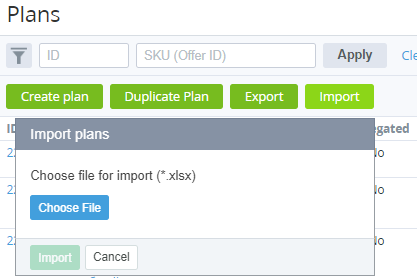
Click Import.
-
In the pop-up window, click Choose File and select your file.
-
Click Import. Parameters of the plans will be updated.