
To get limited discovery access to the Customer Control Panel with the ability to order a subscription, complete the quick registration:
-
Go to the Customer Control Panel of your reseller (its URL looks like https://{reseller domain}/client).
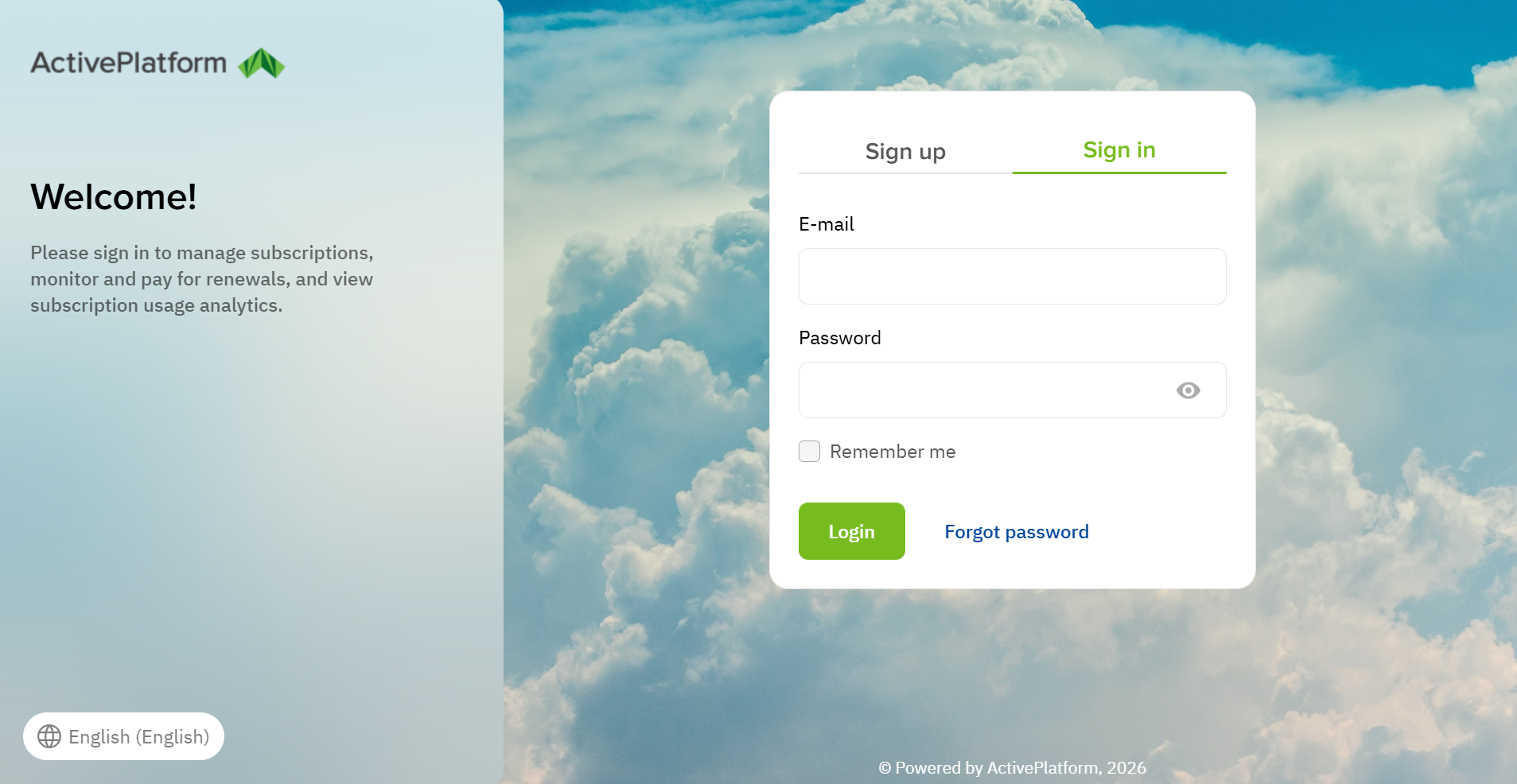
A page with the welcome text and the Sign up and Sign in (selected by default) tabs is displayed.
To change the language of the page, use the language selector button in the bottom left corner.
-
Go to the Sign up tab.
-
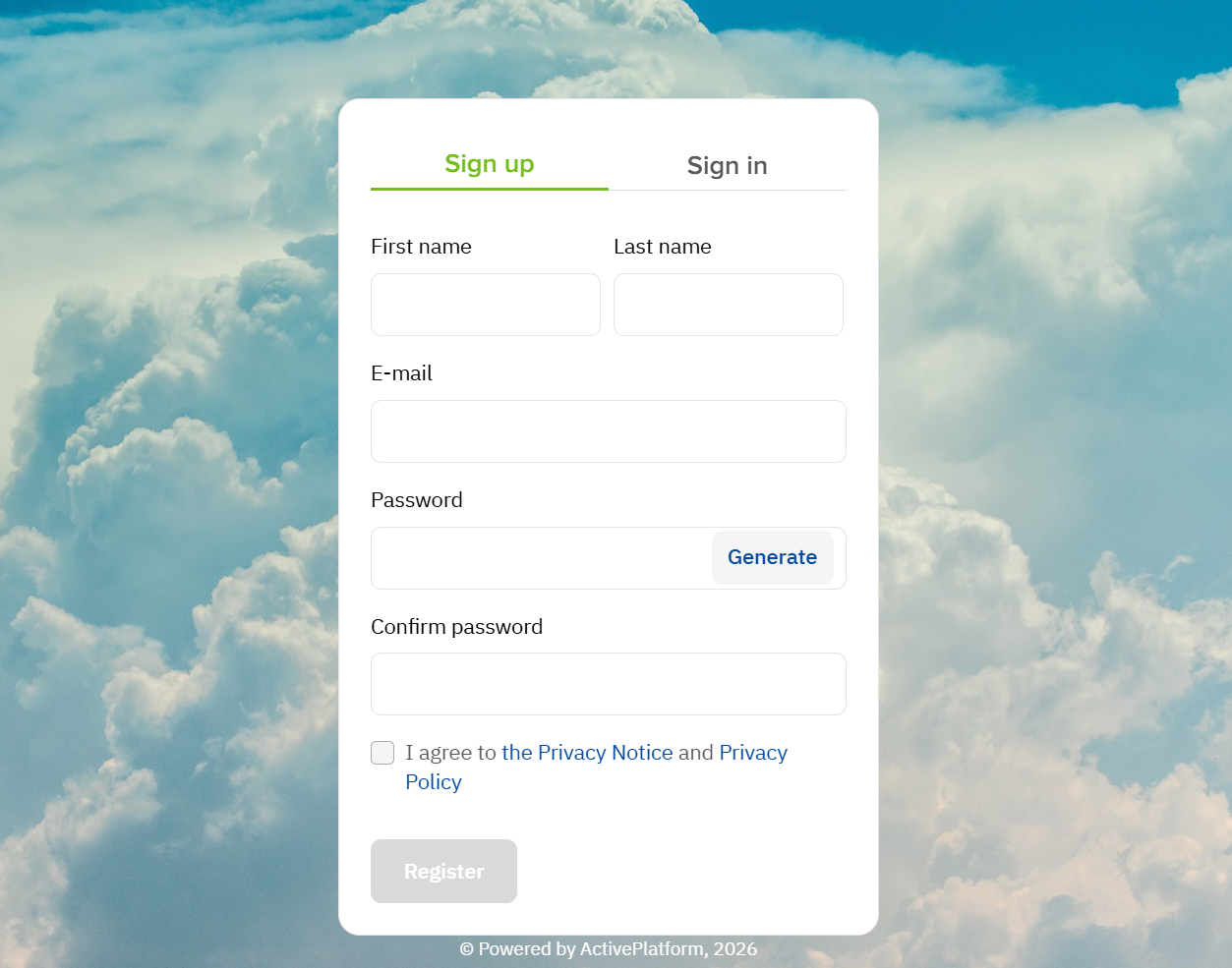
In the First name and Last name fields, enter your full name.
-
In the E-mail field, enter a valid email. You won’t be able to change it after registration.
It will be used as your login to the Customer Control Panel, and you will receive confirmation of the registration on this email. -
In the Password and Confirm password fields, enter the password for the Customer Control Panel.
If the password is too simple, a hint will appear with the requirements and the result of their verification. Also, the password cannot contain spaces.
Click Generate to create a strong password automatically.
-
if it is required, accept the privacy notice and privacy policy (for more information, see Accept agreements):
-
Follow the links and read the documents.
-
Confirm you agree — select the checkbox.
-
-
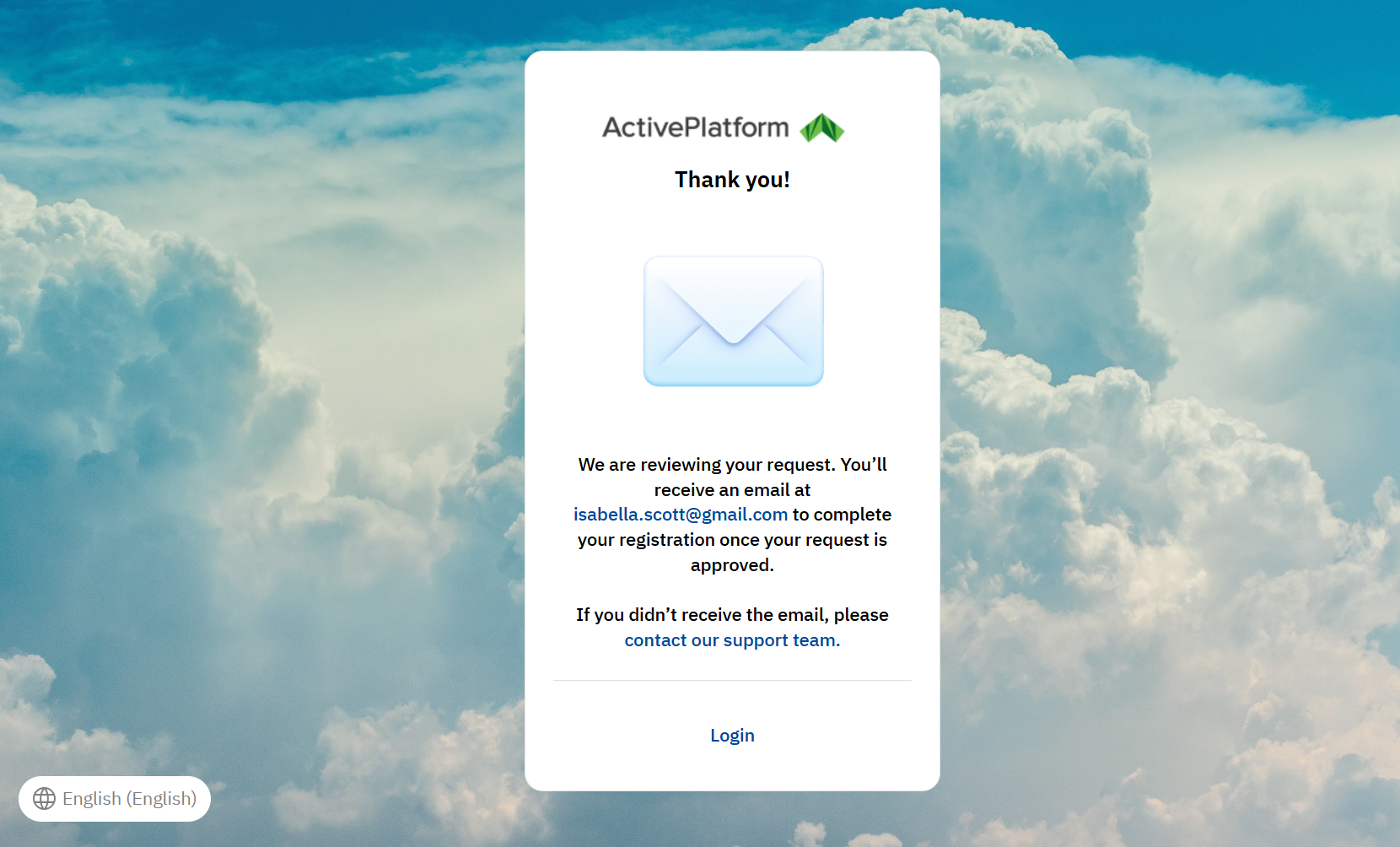
Click Register. The confirmation message will be sent to the specified email.
-
Check the inbox of the specified email.
If the confirmation message is missing, check the spam folder and make sure you specified the email address correctly. -
Open the confirmation message and click Confirm e-mail to complete quick registration.
The start page of the Customer Control Panel will be displayed in the limited discovery mode for a user not attached to an account.
If you try to access the Customer Control Panel with an unconfirmed email or use an expired confirmation link, a page will be displayed with an option to resend a confirmation message. Click Receive confirmation e-mail to request another confirmation message.