
To create an SMS Gate:
-
Sign in to the Operator Control Panel.
-
In the navigation menu, go to SMS Gateways. The list of SMS Gates is displayed (see Viewing the List of SMS Gates).
-
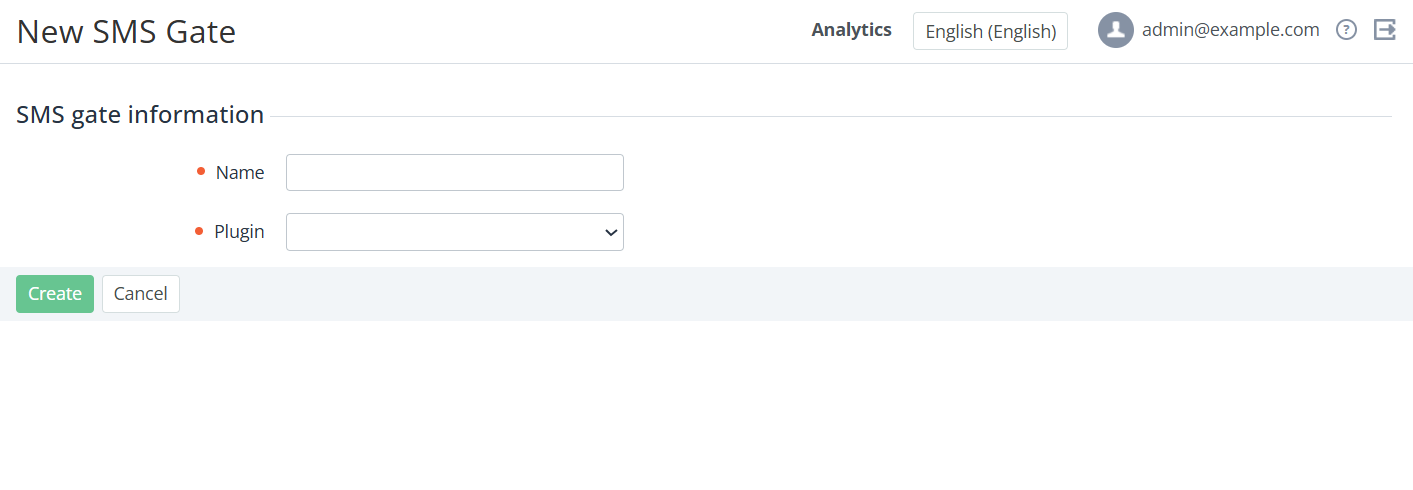
Click Create at the top of the page. The New SMS Gate page is displayed.
-
In the Name field, type a name for the SMS service.
-
In the Plugin list, select the plugin, which will be used for connecting to the SMS service.
After selecting a plugin, the Additional settings group will be displayed. The options in this group depend on the selected Plugin.
-
For example, for the smscru plugin, in the Additional settings group of fields, you need to specify login, password, sender name, and service endpoint.
-
Click Create. New SMS Gate will be created and displayed in the List of SMS Gates.