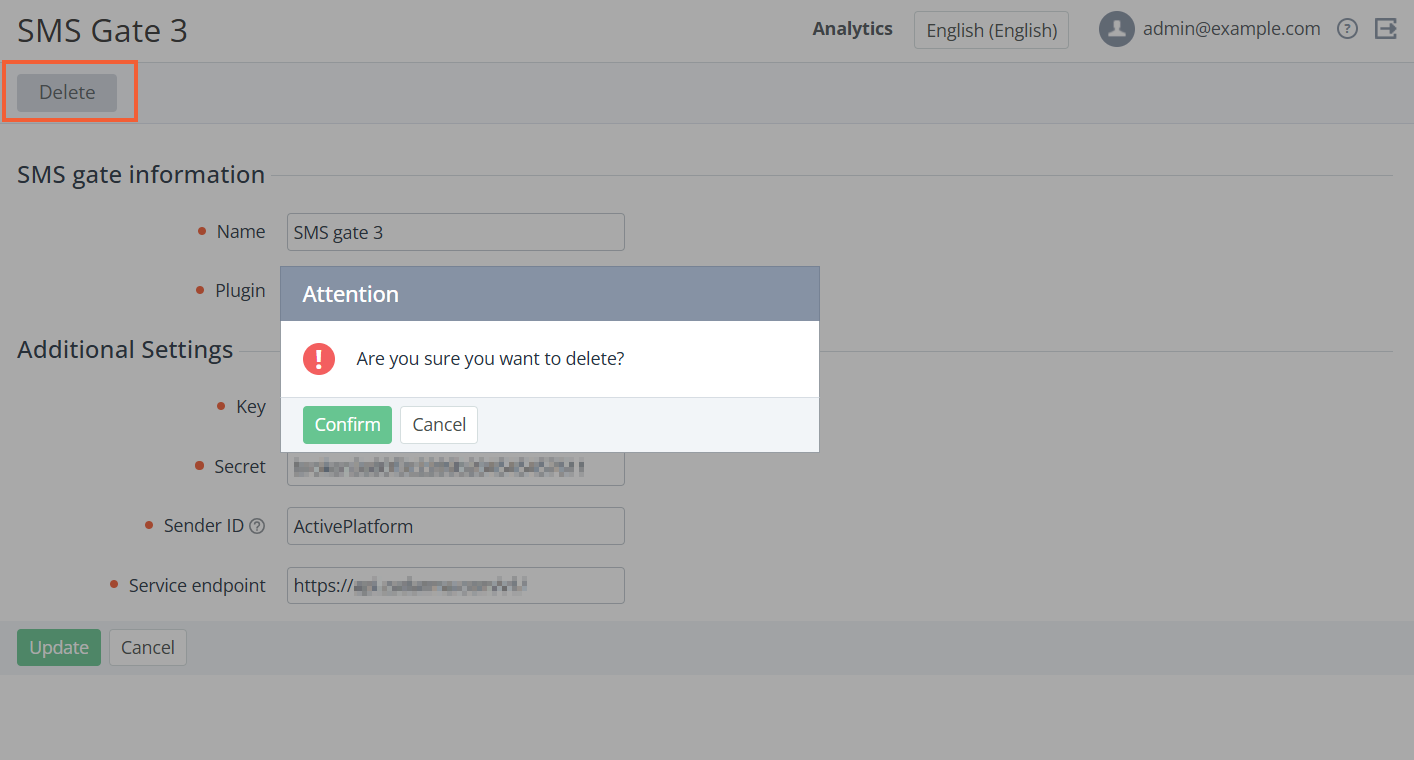
To delete an SMS Gate:
-
Sign in to the Operator Control Panel.
-
In the navigation menu, go to SMS Gates. The list of SMS Gates is displayed (see Viewing the List of SMS Gates).
-
Click the ID or Name link for the required SMS Gate.
-
In the top bar, click Delete and confirm the action. The SMS Gate will be deleted.