Deleting an account type at the root or T1 level does not affect other resellers.
You cannot delete an account type if a reseller has accounts of this type. If the default account type is deleted, another account type will be automatically set as the default one.
Deleting an account type can take more than 30 seconds. A separate task is created and queued for this purpose.
To delete an account type:
-
Go to Account Types (see Navigation). The list of account types is displayed (see Viewing the list of account types).
-
Click the ID or name of the required account type. The account type details page is displayed (see Viewing and updating account's details).
-
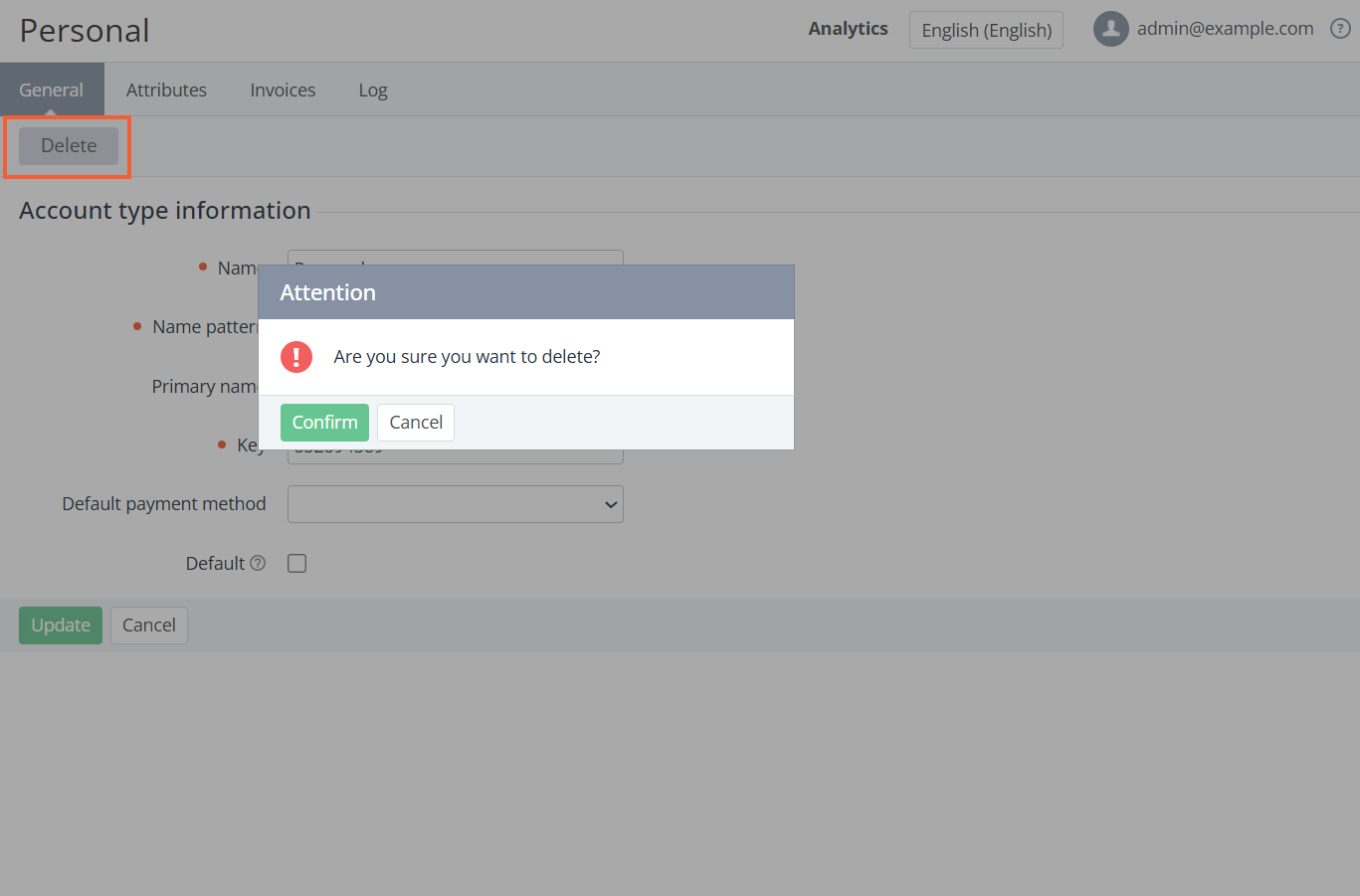
Click Delete and confirm the action.