
To view the list of account types, go to Account Types (see Navigation).
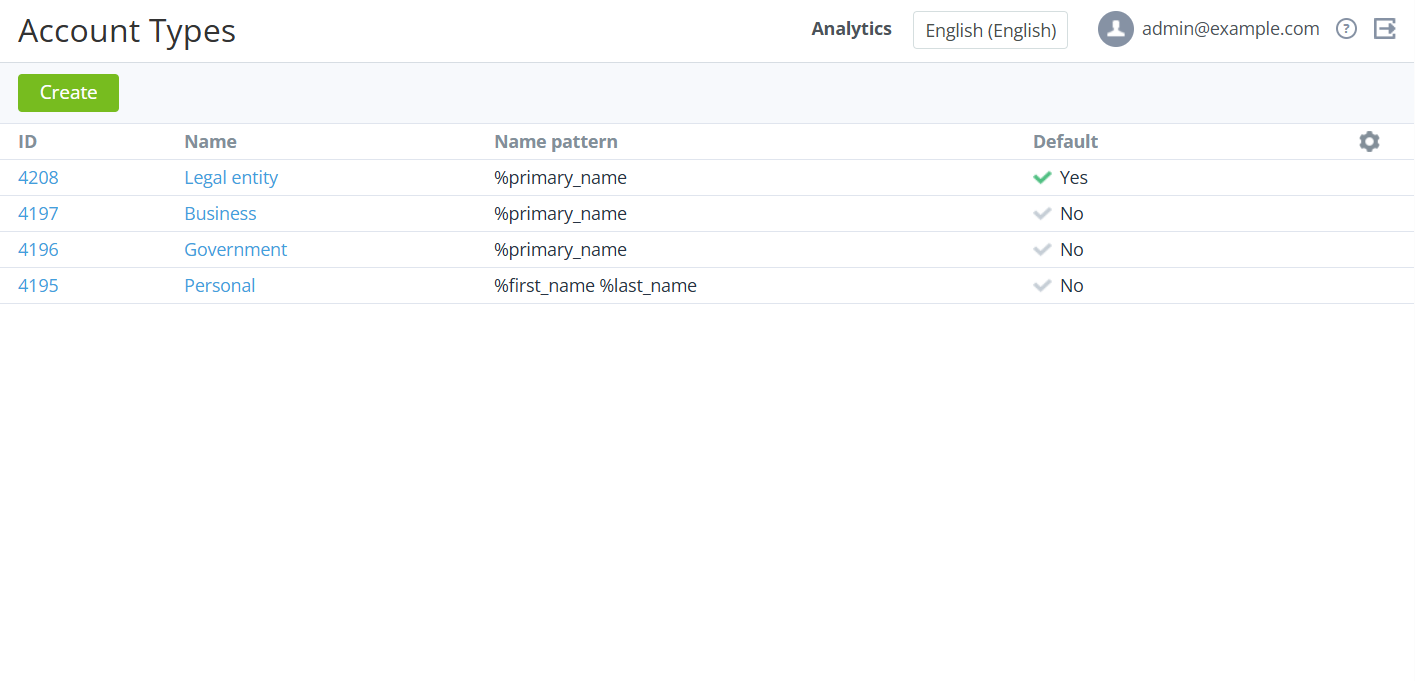
The list of account types includes the following columns:
-
ID — the unique identification number of an account type.
-
Name — the name of an account type.
-
Name pattern — a template for the account name. The following options are available:
-
%first_name— the first name. -
%middle_name— the middle name. -
%last_name— the last name. -
%primary_name— the name entered in the Primary name field.
-
-
Default — indicates whether an account type is used by default for new accounts in the Operator Control Panel and Customer Control Panel.