
To view and update a service term:
-
Go to Service Terms (see Navigation). The list of service terms is displayed (see Viewing the list of service terms).
-
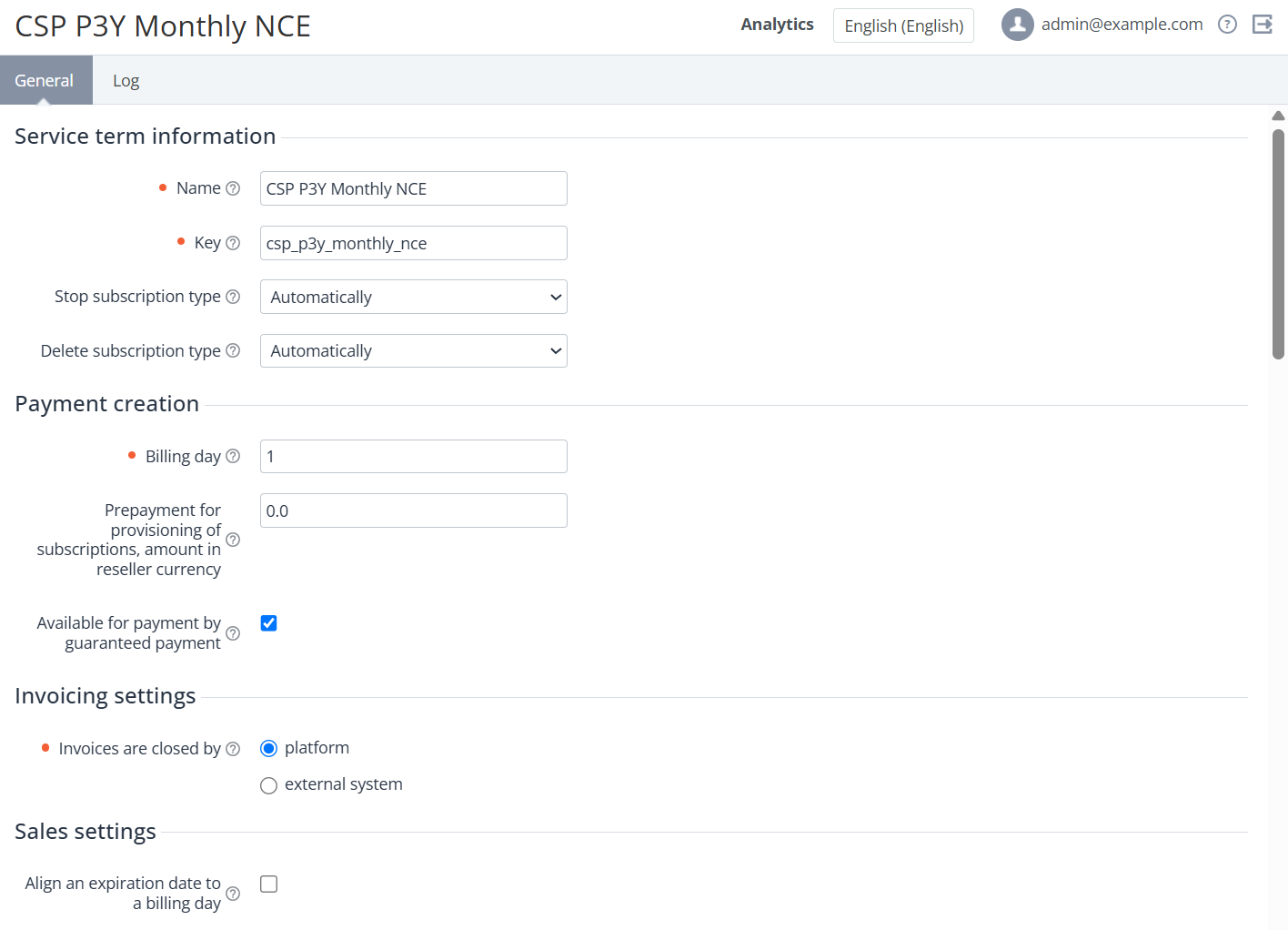
Click the ID or name of the required service term. The service term details page is displayed. The page includes the following tabs:
-
General — information about the service term (see Creating a service term).
-
Log — the history of operations with the service term (see Viewing the system log).
-
-
If it is necessary to update the service term details:
-
-
On the General tab, change the required options available for editing.
-
Click Update.
-