
Any changes in event handlers on the root or T1 reseller level are not delegated to any other resellers.
To view and update the event handler details:
-
Go to Event Handlers (see Navigation). The list of event handlers is displayed (see Viewing the list of event handlers).
-
Click the ID or name of the required event handler. The event handler details page is displayed.
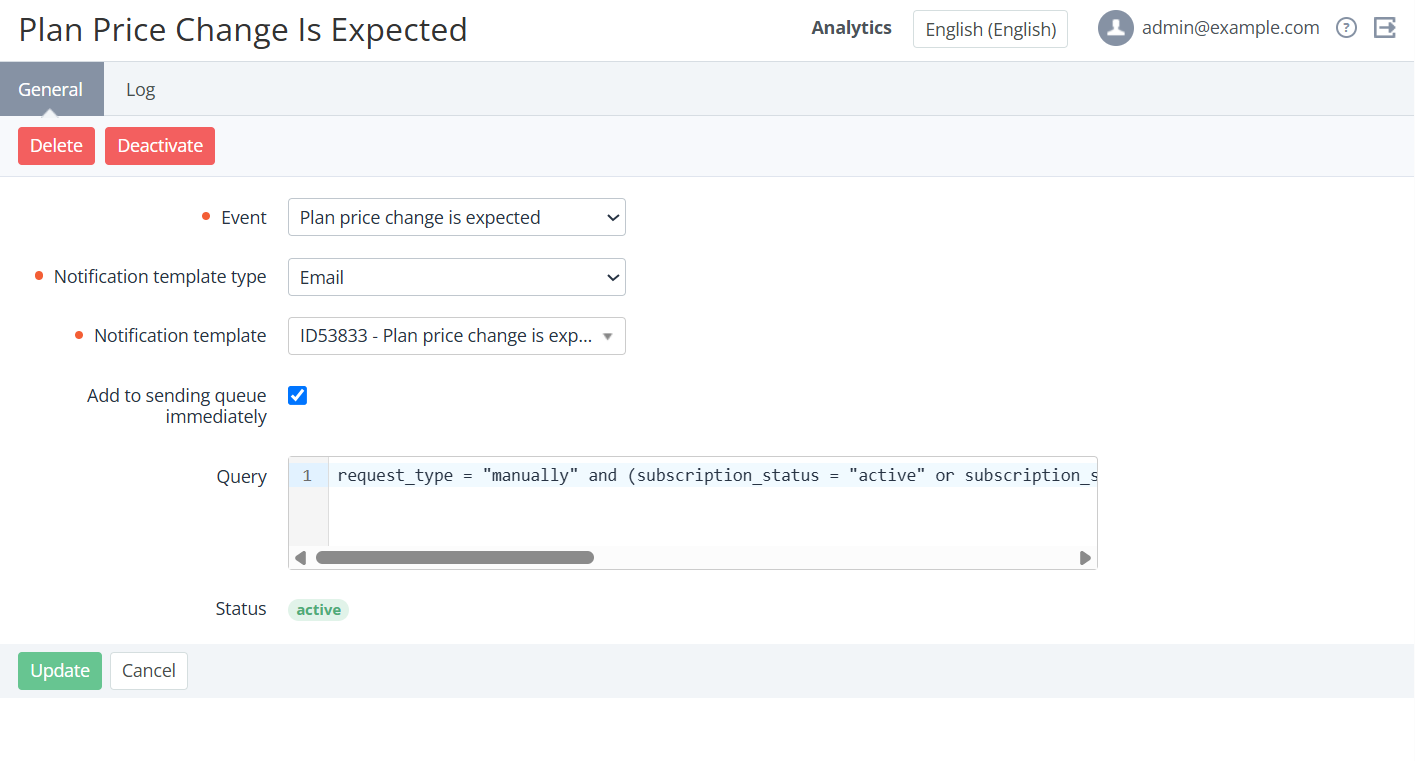
The event handler details page includes the following tabs:-
General — information about the event handler (see Creating an event handler) and the following elements:
-
Status — the status of an event handler: Active or Inactive (see Activating an event handler and Deactivating an event handler).
-
Query — conditions that determine when the event handler is triggered.
-
-
Log — the history of the event handler changes (see Viewing an object log).
-
-
If it is necessary to update the event handler:
-
On the General tab, edit the options available for changing.
-
Click Update.
-