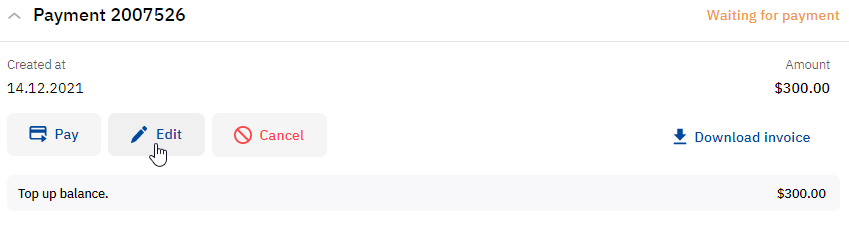
When you edit a payment, it and its linked order (if any) are cancelled, and you are redirected to create a new payment (or an order) of the same type but with the ability to set new parameters.
You can cancel only the following payments in the Waiting for payment status:
-
A top-up payment.
-
A payment linked to one prepaid order.
-
A joined top-up payment.
To edit a payment:
-
Go to the list of payments by doing any of the following:On any page — in the navigation menu, select Billing > Payments (see Screen layout).On the Main page — in the Subscriptions and payments widget, click Unpaid payments (see Main page).
-
Find the required payment in the list. The Waiting for payment status is automatically selected in a filter (see List of payments).
-
In the payment card, click Edit and, in the pop-up window, confirm the action. A page of a new top-up payment or new order of the same type is displayed where you can set new parameters.