
A joined payment (see Join payments) in the Waiting for payment status linked to at least one order can be split back to separate independent payments.
To separate payments:
-
Go to the list of payments by doing any of the following:On any page — in the navigation menu, select Billing > Payments (see Screen layout).On the Main page — in the Subscriptions and payments widget, click Unpaid payments (see Main page).
-
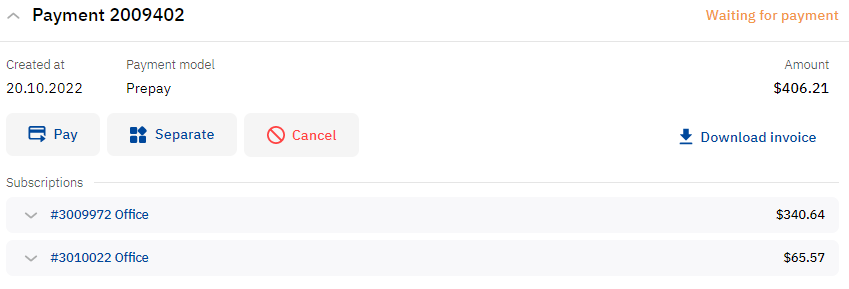
Find the required joined payment in the list. The Waiting for payment status is automatically selected in a filter (see List of payments).
-
In the payment card, click Separate and, in the pop-up window, confirm the action:The joined payment disappears from the list.Separate payments in the Waiting for payment status are created for each order.If any top-up payments were included in the joined payment, a single top-up payment in the Waiting for payment status is created with the amount equal to the sum of these payments,