
Notes can be added to objects on several sections of the Operator Control Panel. A note can have a text and attached file.
To add a note:
-
Go to a page of the required object.
-
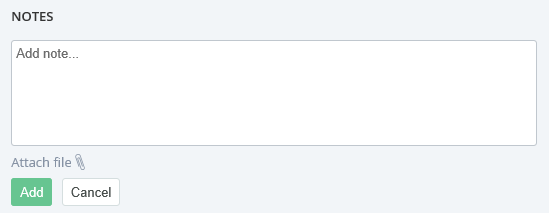
In the Notes field, enter your text.
-
If it is necessary to attach a file to the note, click Attach file and select a file.
-
Click Add. The note will be successfully added.
To delete a note:
-
Go to a page of the required object.
-
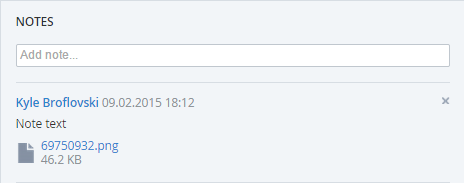
In the Notes field, in the top right corner of the note, click
