
When the bank transfer or cash payment method is selected to complete a payment, a manager creates a receipt manually, sends it to an account, and then changes the payment status to Receipt sent.
To change the payment status to Receipt sent:
-
Go to Payments (see Navigation). The list of payments is displayed (see Viewing the list of payments).
-
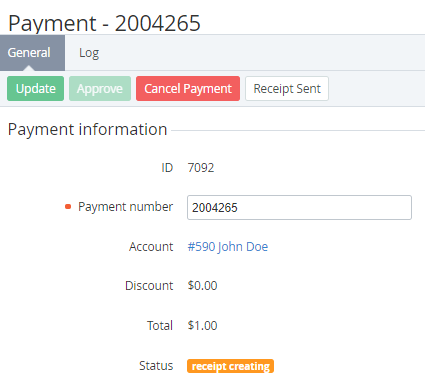
Click the ID or number of the required payment in the Receipt creating status. The payment details page is displayed (see Viewing payment details).
-
Click Receipt sent. The payment gets the Receipt sent status.