
After a customer pays for a receipt created manually, a manager confirms it.
To confirm that a receipt is paid:
-
Go to Payments (see Navigation). The list of payments is displayed (see Viewing the list of payments).
-
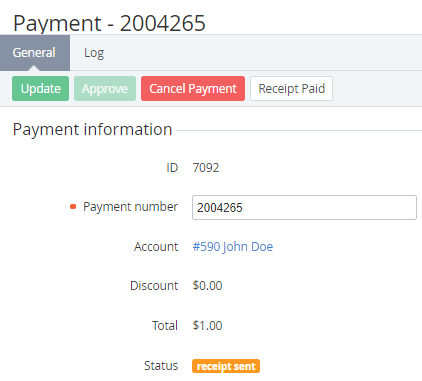
Click the ID or number of the required payment in the Receipt sent status. The payment details page is displayed (see Viewing payment details).
-
Click Receipt paid. The payment gets the Completed status.