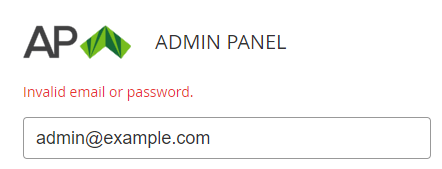
To verify that a reseller (see Creating a reseller) and its manager (see Creating reseller's manager) are created correctly:
-
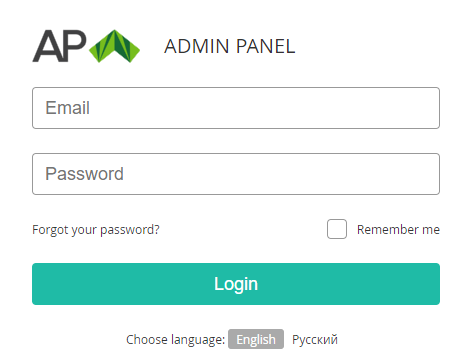
Using the specified reseller domain name, go to the authorization page of the Operator Control Panel.
-
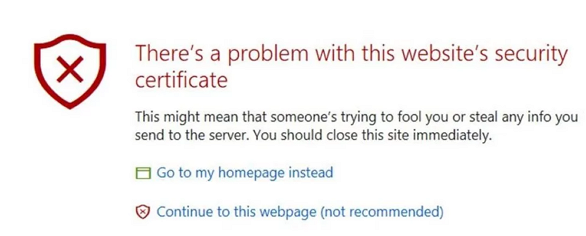
If a problem with the website's security certificate occurs, check the reseller's SSL certificate (see Managing reseller's domain).
-
In the Email and Password fields, enter the login and password of the created manager.
-
Click Login. The main page of the Operator Control Panel is displayed (see Main page).
-
If the error message Invalid email or password is displayed, check the manager details (see Viewing and updating manager's information).