
For updating connector resources of Microsoft services based on the MicrosoftCspProducts plugin, see ActivePlatform. Services. Operator documentation.
To view and update information about a resource that can be included in the plan based on a connector:
-
Go to Connectors (see Navigation). The list of connectors is displayed (see Viewing the list of connectors).
-
Click the ID or name of the required connector. The connector details page is displayed (see Viewing and updating connector details).
-
Go to the Resources tab. The list of resources of the selected connector is displayed (see Viewing the list of connector resources).
-
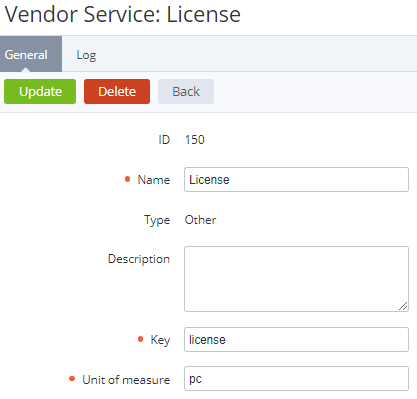
Click the ID or name of the required connector resource. The connector resource details page is displayed. The content of the page and its availability for editing depend on the plugin used for the selected connector.
-
If it is necessary to update the connector resource details:Make the necessary changes.Click Update.
-
If it is necessary to delete the connector resource, click Delete and confirm the action.
Deleting a connector resource is available if only it is not linked to any entities in the platform.