To view the list of discounts, go to the Discounts section.

The list of discounts includes the following columns:
-
ID — the unique identification number of a discount.
-
Name — the name of a discount.
-
Type — the discount type:
-
Promo Code — a discount is applied when a promo code is manually entered on the order confirmation step (see Managing Promo Code discounts).
-
Account — a discount is applied to the selected accounts or account classes (see Managing Account discounts).
-
Reseller — a discount is applied to plans delegated to downstream resellers (see Managing Reseller discounts).
-
Subscription — a discount is applied to a subscription to a specified plan for a specified account (see Managing Subscription discounts).
-
Status — see Discount Deactivation and Discount Activation:
-
Active — a discount is available for applying.
-
Inactive — a discount is not available for applying.
-
Percentage — the discount amount as a percentage.
-
From and To — the period of a discount.
-
All plans – whether the discount applies to all plans.
-
All customers – whether the discount applies to all customers.
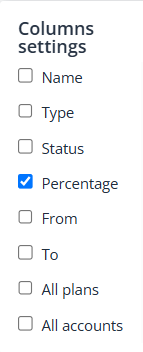
The Discounts and promo codes page settings include an option for managing column visibility.
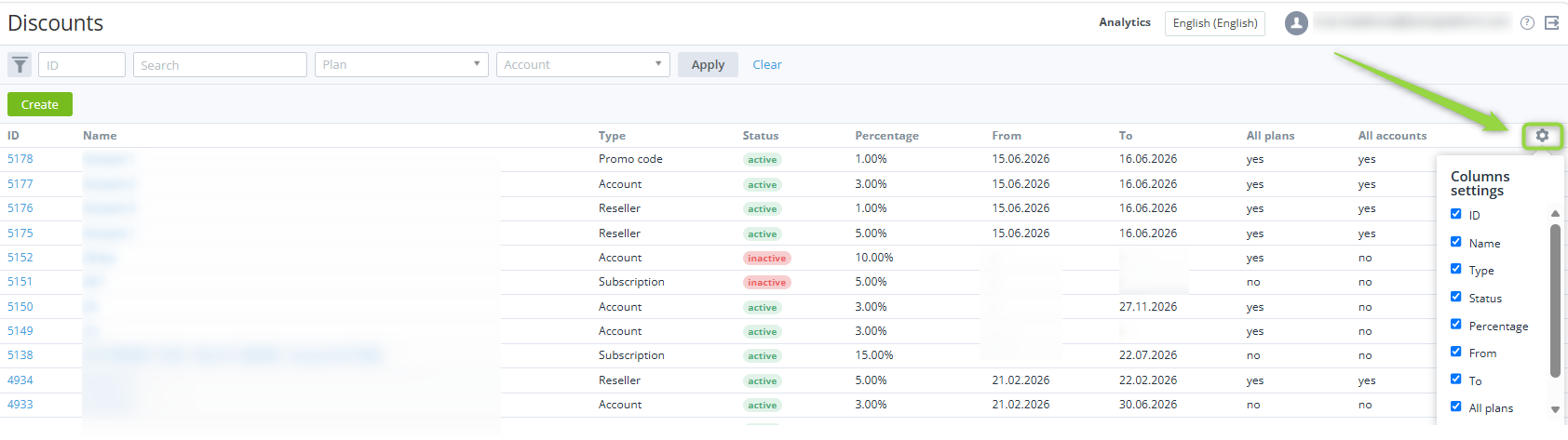
To enable a column, select the checkbox and choose a value.
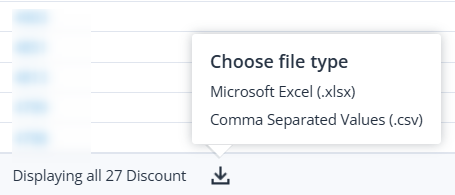
To generate a report, select the desired format.
When the operation is completed, the report is automatically sent to the specified email address.