
The platform allows you to update attributes for multiple plans simultaneously instead of having to make changes to each plan individually.
You can select the checkbox next to the plans you want to change in the list of all plans and then click the Change plans attributes button at the top of the page. On the page that opens, you need to select the necessary action in the Action dropdown.
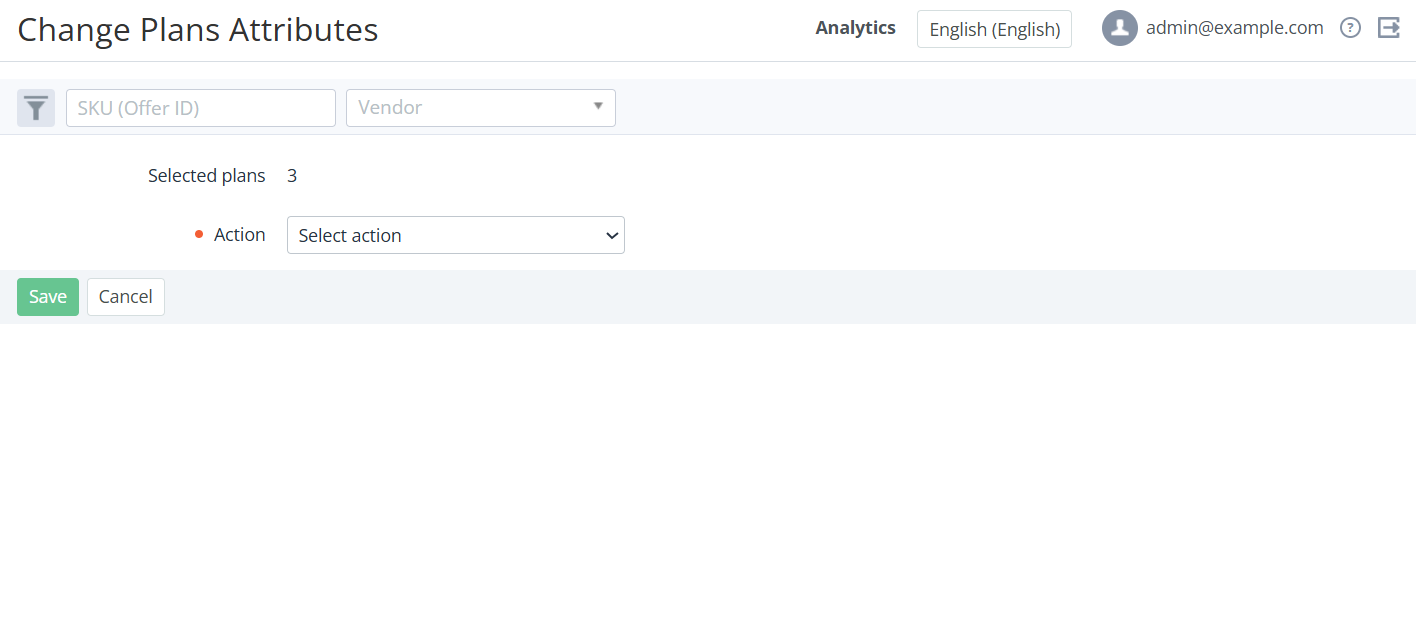
The following actions are available:
|
Action |
What changes |
|---|---|
|
Set public option |
The Public attribute is enabled for all selected plans. |
|
Reset public option |
The Public attribute is disabled for all selected plans. |
|
Set availability to sale for account |
The Sale by an account attribute is enabled for all selected plans if the Sale by a manager attribute is also enabled for the selected plans.
|
|
Reset availability to sale for account |
The Sale by an account attribute is disabled for all selected plans. |
|
Set availability to renew for account |
The Renew by an account attribute is enabled for all selected plans if the Renew by a manager attribute is also enabled for the selected plans.
|
|
Reset availability to renew for account |
The Renew by an account attribute is disabled for all selected plans. |
|
Set auto-renew option |
The Auto-renew attribute is enabled for all selected plans. |
|
Reset auto-renew option |
The Auto-renew attribute is disabled for all selected plans. |
|
Set disable the Auto-renew option |
The Disable the Auto-renew option attribute is enabled for all selected accounts. |
|
Reset disable the Auto-renew option |
The Disable the Auto-renew option attribute is disabled for all selected accounts. |
The plans will be updated accordingly if their attributes can be changed to the selected options. Changes will be visible on the UI within a few minutes and will be also displayed in the plans Log.