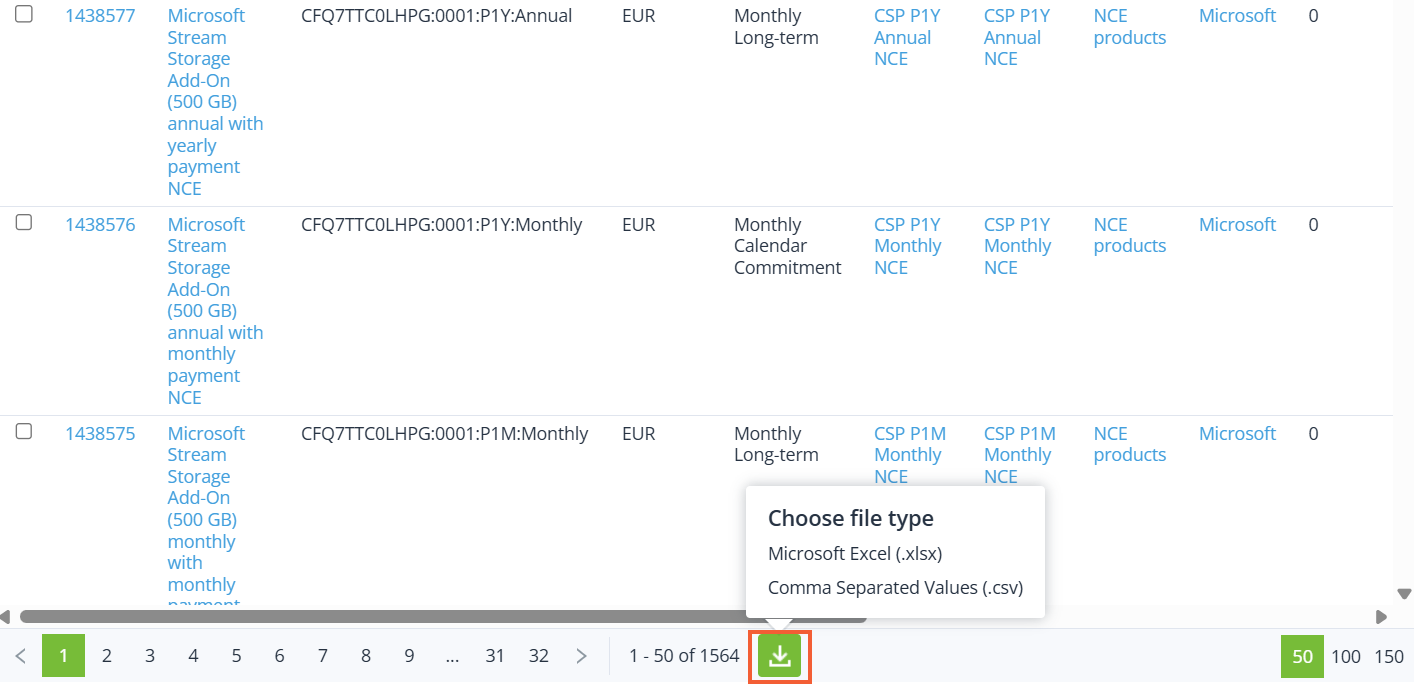
To export the list of plans to an MS Excel file:
-
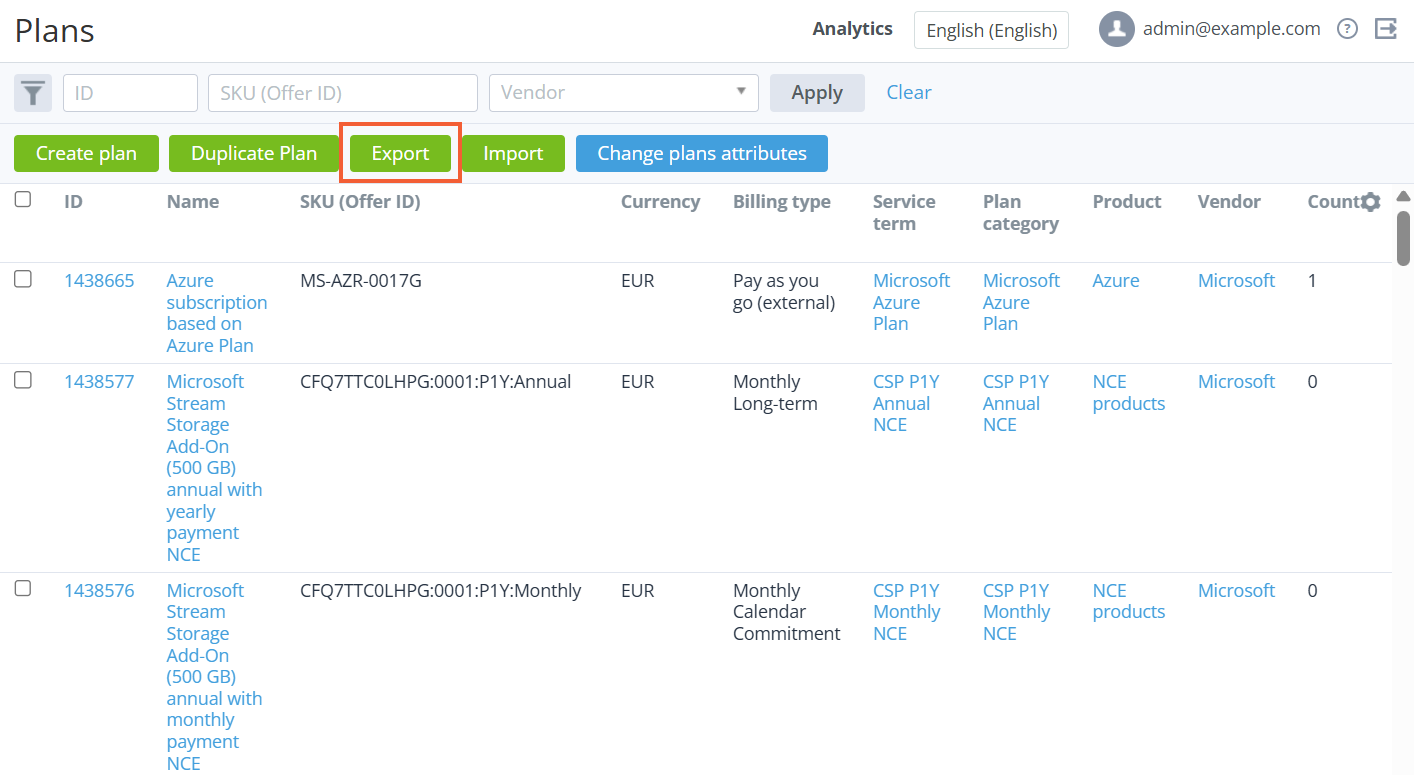
Go to Plans (see Navigation). The list of plans is displayed (see Viewing the list of plans).
-
To export only required plans rather than all plans, use the filters and search.
-
Click Export. The file will be downloaded.
The file structure:
-
Product category
-
Product
-
Plan Name
-
Period/Resource name
-
Setup fee
-
Recurring fee
-
Renewal fee
-
Transfer fee
-
Overuse fee
From the download icon at the bottom of the List of plans page, you can export all the plans data either to an .xlsx or .csv file. All the table columns will be included in the file regardless of whether they have been selected to be displayed in the table or not. Additionally, the Reseller ID column will be displayed in the file.