
To view and update the plan details:
-
Go to Plans (see Navigation). The list of plans is displayed (see Viewing the list of plans).
-
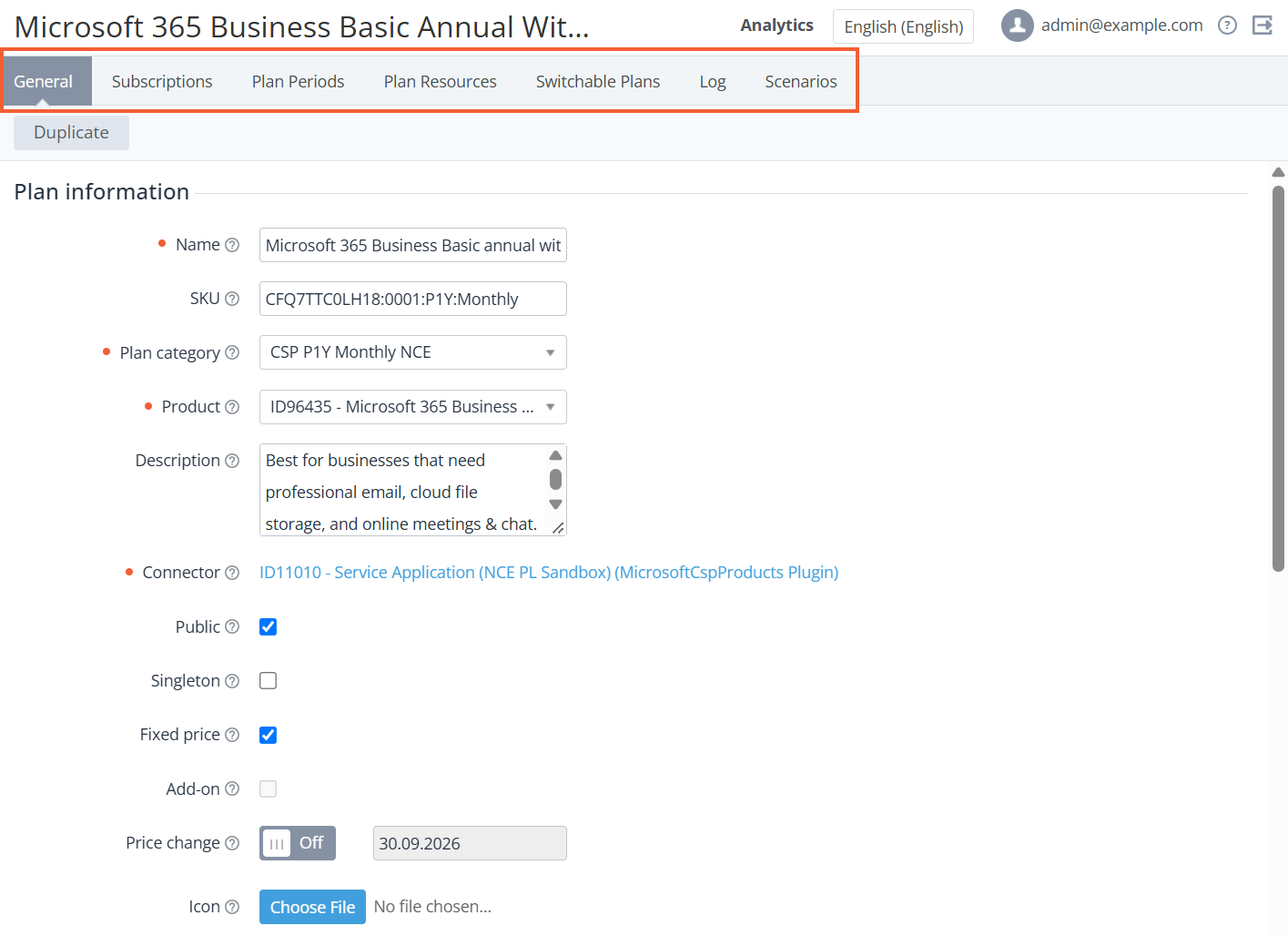
Click the ID or name of the required plan. The plan details page with several tabs is displayed.
-
Go to the required tab:
-
General — general information about the plan and billing (see Editing general information about the plan).
-
Subscriptions — the list of subscriptions to the plan (see Viewing the list of subscriptions).
-
Plan Periods — the list of periods of the plan (see Updating plan periods).
-
Plan Resources — the list of resources of the plan (see Updating plan resources).
-
Application Templates — the list of application templates used for the current plan (see Viewing the list of connectors).
-
Switchable Plans — the list of plans available for switching (see Managing switchable plans).
-
Prerequisite Plans — the list of prerequisite plans with the selected plan as an add-on (see Managing prerequisite plans). The tab is displayed for plans with the Add-on = Yes attribute only.
-
Log — the history of operations with the plan (see Viewing an object log).
-
Scenarios — the history of the automatic operations based on scenarios (see Viewing the list of the automatic operations).
-
-
If it is necessary to update the plan details, edit the required parameters.
For plans delegated from the upstream reseller (Delegated = Yes), several plan parameters are not available for manual updating by the current reseller. These parameters are updated automatically when the upstream reseller updates the plan (see Delegated plans synchronization).