
To view and update the notification category details:
-
Go to Notification Categories (see Navigation). The list of notification categories is displayed (see Viewing the list of notification categories).
-
Click the ID or name of the required notification category. The notification category details page is displayed.
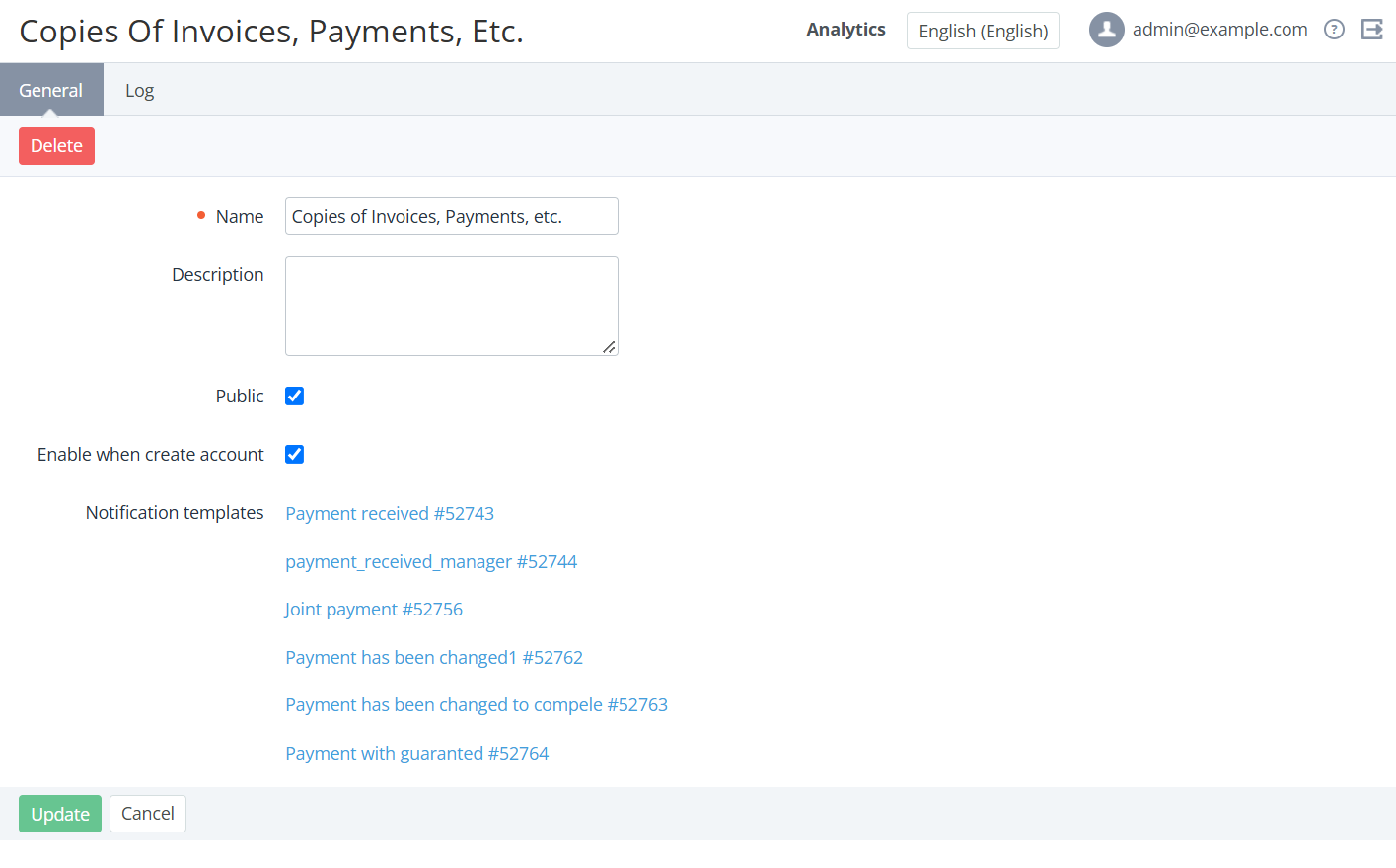
The page includes the following tabs:
-
General — information about the notification category:
-
Name — the name of the notification category.
-
Description — additional information about the notification category.
-
Public — indicates whether the notification category can be configured in the Customer Control Panel (see Notification settings).
-
Enable on account creation — indicates whether a notification category is turned on for new accounts by default.
-
Notification templates — the list of notification templates linked to the selected category (see Managing notification templates). To view the notification template details page, click the link.
-
-
Log — the history of the notification category changes (see Viewing an object log).
-
If it is necessary to update the notification category details:
-
-
On the General tab, make the required changes in the fields available for editing.
-
Click Update.
-